
Columbus County Multi-Day Arrest Log
The county publishes no rolling 72-hour or weekly arrest log. The Sheriff's Office In Custody page links to a report folder, but that material is a custody snapshot rather than a dated sequence of arrests. Its landing page states no archive depth, roll-off rule, posting cadence, or promise of booking photos. So the multi-day picture is scattered. Start with official CCSO material.
Local outlets sometimes reprint short report windows. Those stories may list arrest date, booking time, agency, charge, bond, and release status, yet they remain secondhand copies. A story's publication date can lag the event date by days. Its custody label can also go stale.
Read Columbus County Arrest Reports
Work backward from an exact date, not just a name. That habit pays off. It separates the arrest event, the later jail booking, and the day a news summary appeared, and it makes gaps easier to see.
- Check the official In Custody report folder and record the newest file date.
- Search dated items from Columbus County News, Coastal Carolina News, and The News Reporter around the arrest date.
- Read the item’s stated source and date window. Do not assume its headline date is the arrest date.
- Compare the arresting agency, location, booking time, charge wording, bond, identifier, and status when shown.
- Confirm a specific record through CCSO records at (910) 642-6551 or the municipal police department that made the arrest.
- Use the Columbus County court docket for later charge changes and final disposition.
A report may mix arrests, warrants, and traffic stops. Those are not the same thing. The 24 Hour Arrests page handles a fresh custody check, while the method here looks for dated evidence across a longer span.
Note: Preserve the source date range and agency name when comparing two reports, since publication dates alone can create false duplicates.
Columbus Arrest Log Entry Fields
The clearest local field example is a republished June 2026 CCSO arrest report. It shows one format. It does not promise that every report lists each field, and the sheriff's landing page shows no record text itself.
| Field | Meaning and caution |
|---|---|
| Name and age | Reported identity details; verify similar names against an official identifier. |
| Arrest date and time | When the agency took custody, which can precede jail intake. |
| Booked date | When detention intake was entered. |
| Agency and location | Who made the arrest and where the reported event occurred. |
| Charge | The charge as booked, not a conviction. |
| Bond | Status or amount at that point; later court action can alter it. |
| Release or status | A time-bound custody label, not the outcome of the case. |
| Identifier | A booking or report number that helps isolate the right entry. |
| Photo | Not guaranteed in the official report; news art may be generic. |
A booking photograph is an identification image. It ties to an arrest or detention. News pages sometimes show agency-supplied images. Others run scene photos or generic detention graphics. So a picture in a story never proves the official CCSO record carried a mugshot. The dated CCSO report republication shows the local field structure and its attribution.
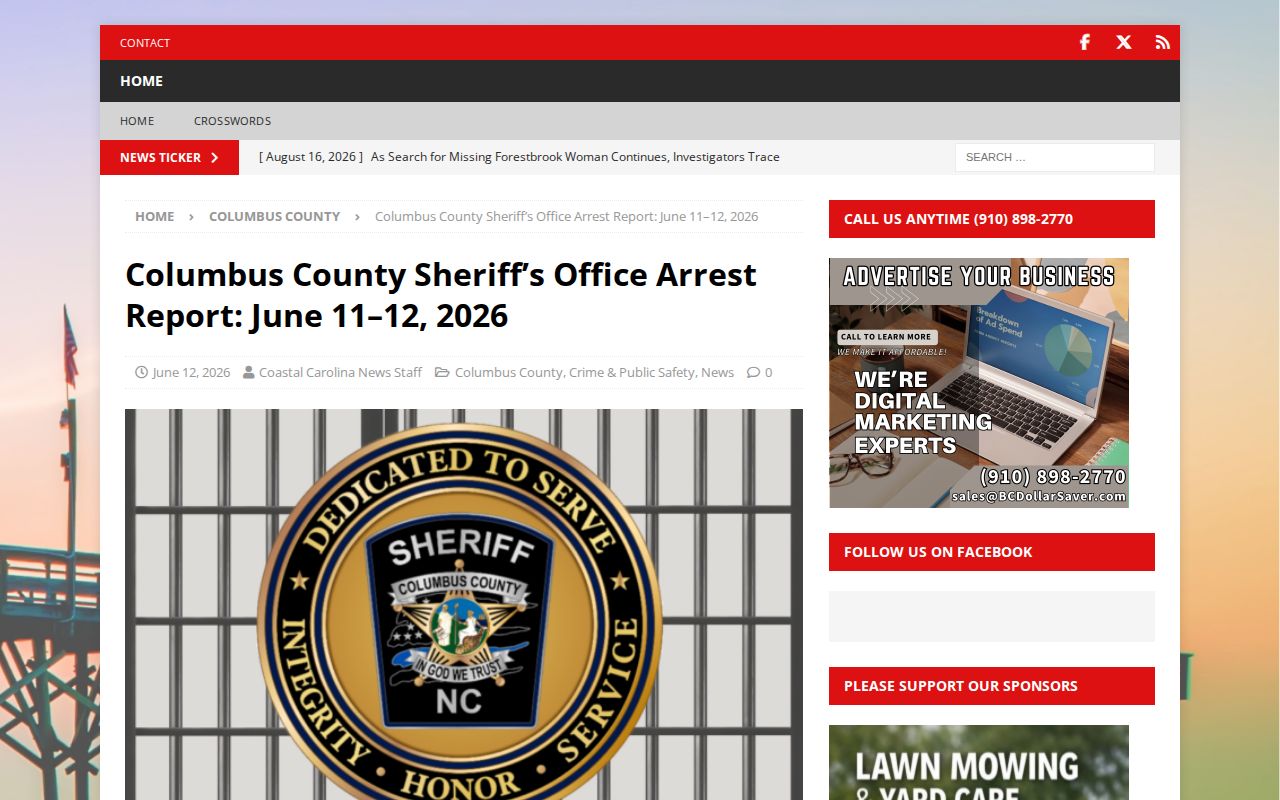
This copy is unofficial. Verify every detail against the sheriff and the court before drawing any conclusion.
Columbus Arrests Across Weekends
Columbus County posts no weekend or holiday arrest schedule. A batch of stories may appear after a weekend. The timing may reflect delayed report writing. It may also reflect editorial timing or a multi-day source window. It does not show that arrest activity spiked on those days. A story's visible count cannot establish a county trend. Weekend coverage needs care.
Search Friday through the first working days that follow. Match each event date against its arrest and booking times. Then check whether the entry reports release, continued custody, or neither. If a story names no agency or report source, treat it as a lead only.
Columbus County Detention Center answers custody questions at (910) 640-6628. A call settles the current question. A records request can seek the dated document after the person has left the roster.
Columbus Arrest News Windows
Columbus County News public safety is the most consistent local window on arrests in Columbus County. Its reports touch on warrants, court dates, and booking activity across the area. Coverage drifts across Whiteville, Tabor City, Chadbourn, and other towns. Date-based searches work well here. Just remember what it is. A news section is not an official roster, and no one promises a complete arrest archive.
Coastal Carolina News shows the format at its best. One September 2026 story summed up a report period running August 28 through September 4. Arrests and traffic stops were sorted by date, time, location, agency, and charge. That multi-day window is handy for catching names you might miss elsewhere. It is still journalism, though, not a live custody record.
The local public-safety section is displayed below.
The section can point to a dated report. Every fact still needs confirmation from the named agency or the court. The Coastal Carolina News date-window article adds another view of local report attribution.
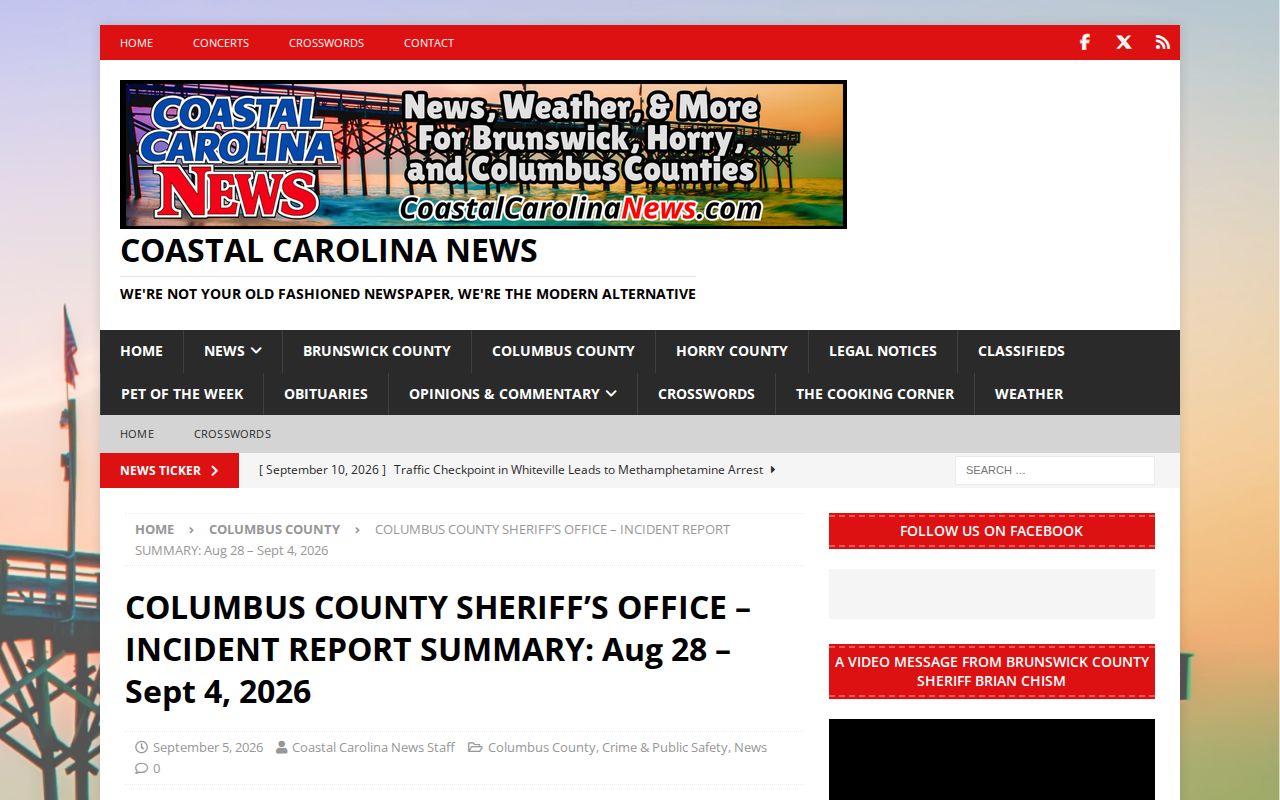
The event range matters. Read it before treating the item as an arrest log for a single day.
Why Columbus Arrest Coverage Differs
The roots go back to 2020. A WECT report on CCSO media access says the agency had emailed arrest and incident reports to media nearly every weekday. After September 4, 2020, arrest reports kept coming. Incident reports stopped, per that account. That split helps explain why a later arrest report may exist even when no full incident blotter accompanies it.
History does not guarantee today's cadence, and a modern republication may drop items or linger online after custody changes. WECT Crime and WRAL's Columbus County archive are episodic news sources, not arrest databases. The News Reporter e-edition offers an archive route. No stable live arrest-log page appears there.
Note: Historical media distribution explains the record landscape but does not establish that CCSO sends the same files on the same schedule today.
Columbus Arrest Archives and Requests
Older Columbus County arrest records rarely sit in one place. Ask the agency that created them. CCSO holds sheriff and detention files. A city police department keeps its own arrest material. The Clerk of Superior Court has the case record. Include the person's name, a rough date, the agency, and an identifier if you have one.
North Carolina's retention schedule sorts records into categories. Criminal histories, booking photographs, case files, detention reports, and incarceration records each follow their own rules. A weekly jail roster may simply be kept until a newer one replaces it. The schedule governs how offices manage papers. It does not promise an old PDF stays online, nor that every record moves to the State Archives.
What if CCSO no longer holds a series? The North Carolina State Archives local-government program can tell you whether it was transferred, kept locally, stored on another medium, or legally destroyed. A record vanishing from the web proves nothing either way.
Public Record Search
Sponsored Results